
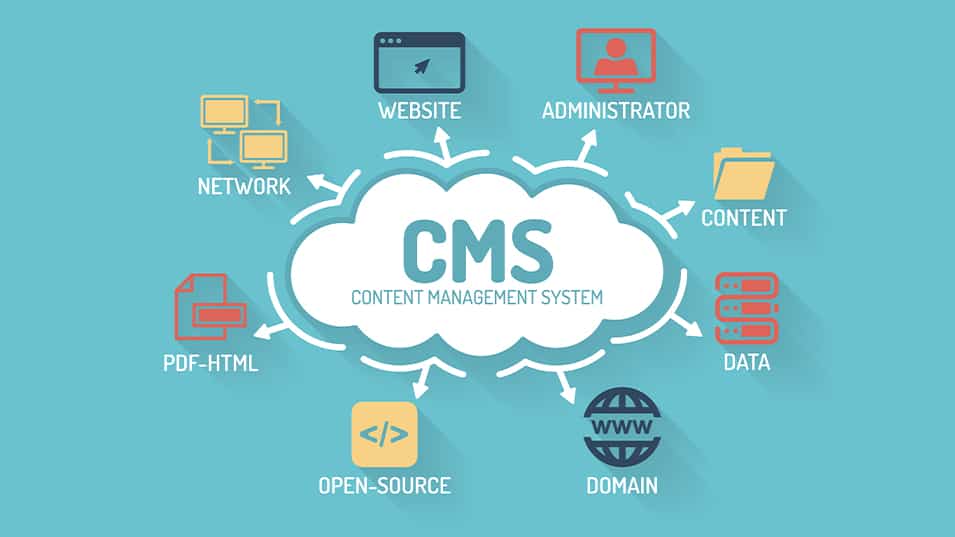
A Content Management System (CMS) allows users to create and manage digital content without advanced programming knowledge. WordPress is the world’s most popular CMS and powers millions of websites. It provides themes, plugins, and an intuitive dashboard that make publishing content easy for beginners and professionals alike.
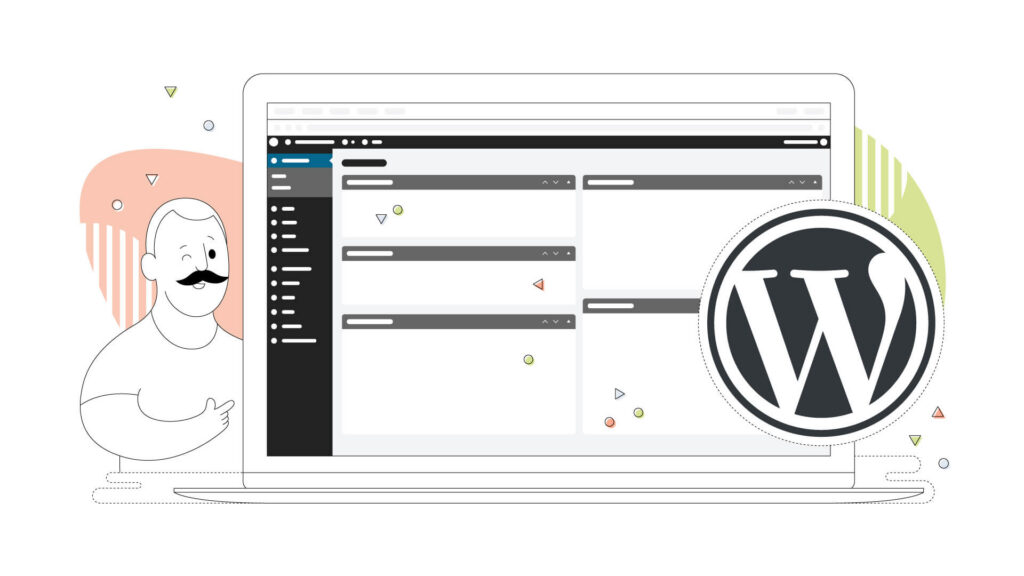
Through this project, I learned how WordPress combines usability with flexibility. Once installed through Docker, I could customize themes, create posts, and manage media entirely through a web browser. This demonstrates how CMS platforms empower users to build professional websites with minimal technical barriers.
References
Amazon Web Services. (n.d.). Amazon EC2. https://aws.amazon.com/ec2/
DigitalOcean. (n.d.). Droplets. https://www.digitalocean.com/products/droplets
Docker. (n.d.). What is a container? https://www.docker.com/resources/what-container/
WordPress. (n.d.). About WordPress. https://wordpress.org/about/